
Create a digital season brochure
A whole season’s programme, to explore rather than leaf through: listening samples, artist portraits and tickets in one issue.
Customer project: Dresdner Philharmonie · Paradiese, Saison 26/27
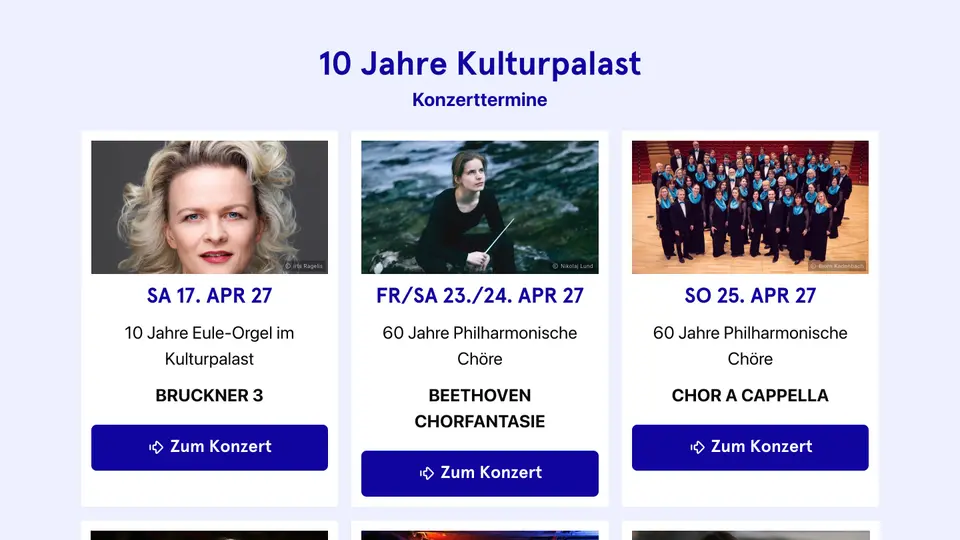
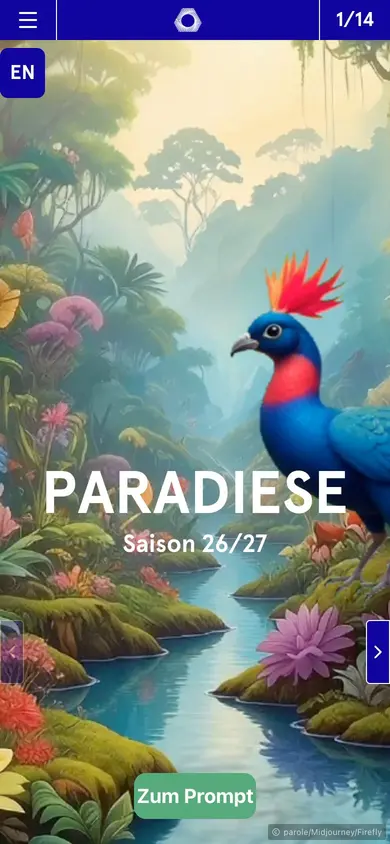
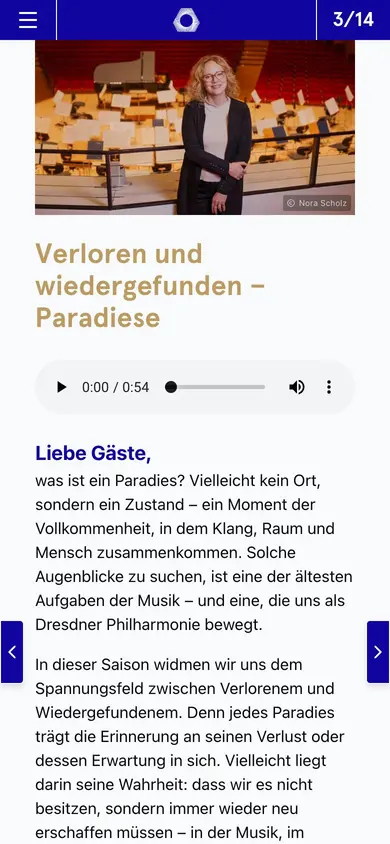
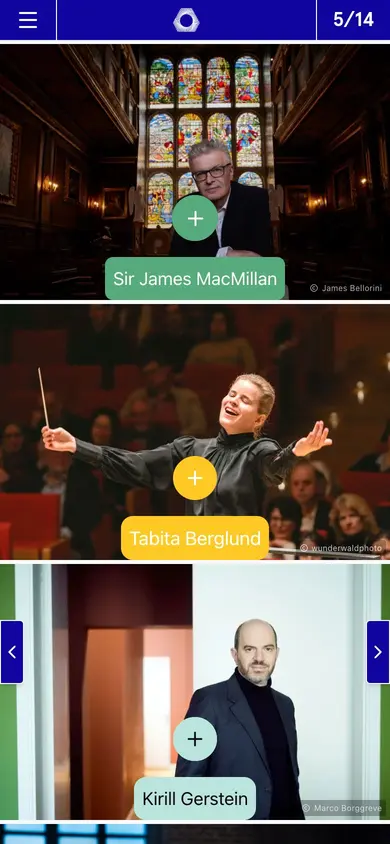
Companies, publishers and agencies publish with Novamag
A season brochure to explore, not just leaf through
A season programme has dozens of dates, artists and stories. Digitally, it becomes a magazine to explore: listening samples and videos for the concerts, portraits of the artists, a concert finder and tickets in one click. Changes to the schedule are online at once, and every production can be shared and promoted on its own.
Today and with Novamag: the season brochure compared
!The challenge
✓The solution with Novamag
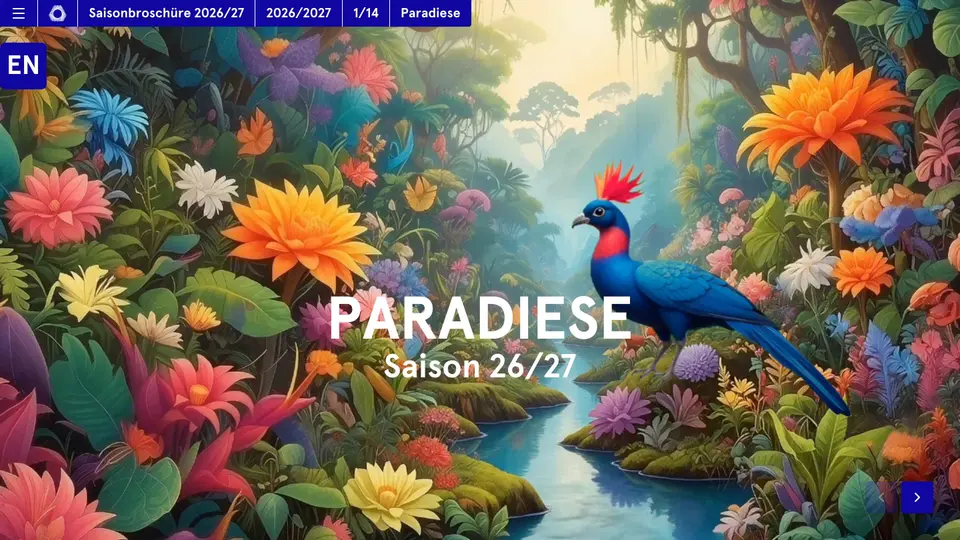
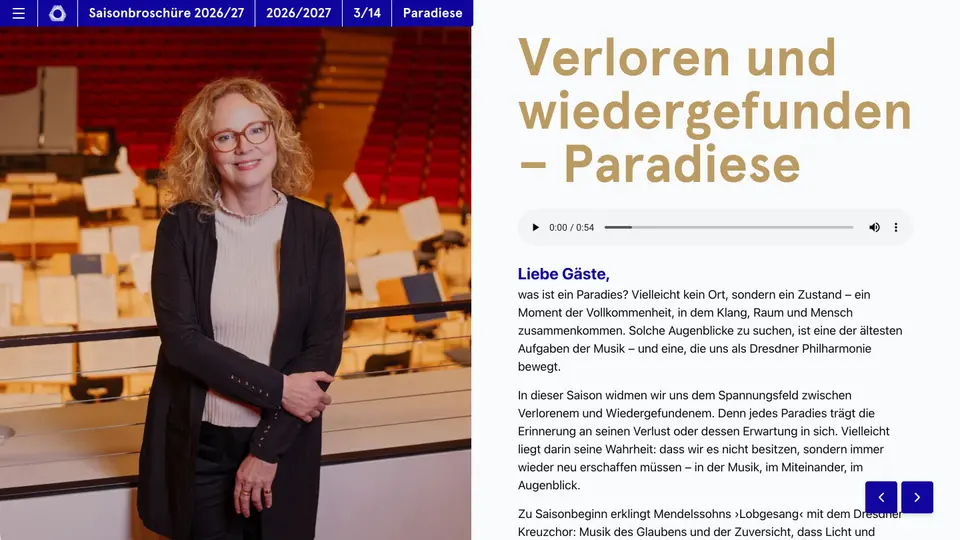
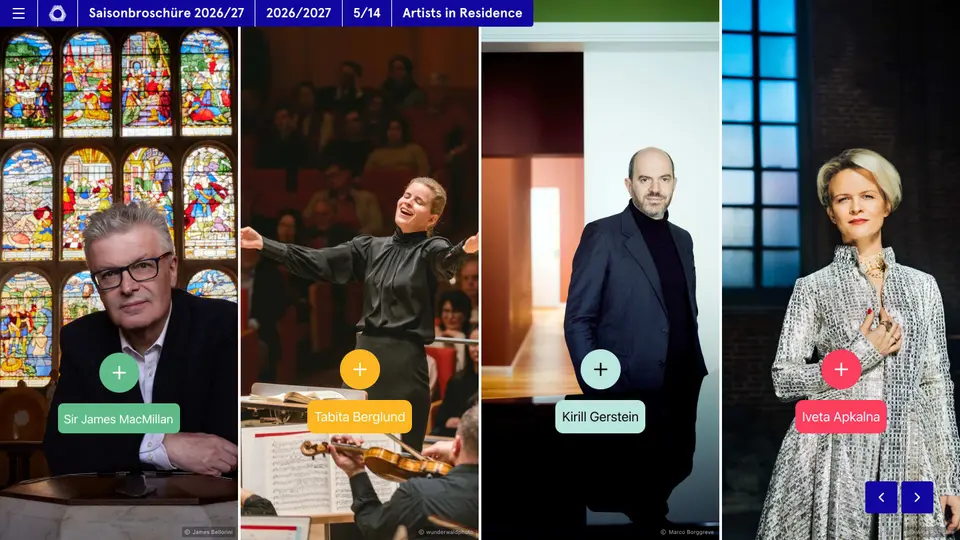
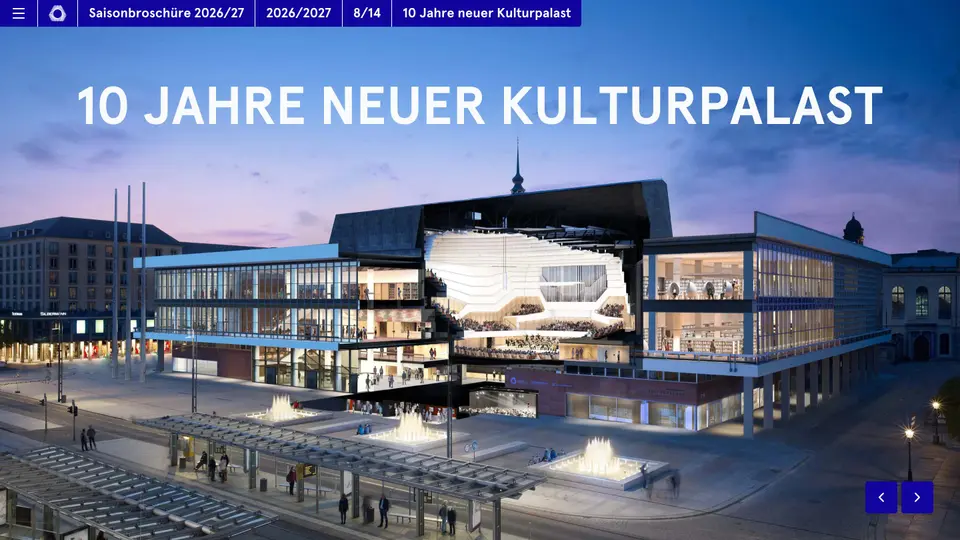
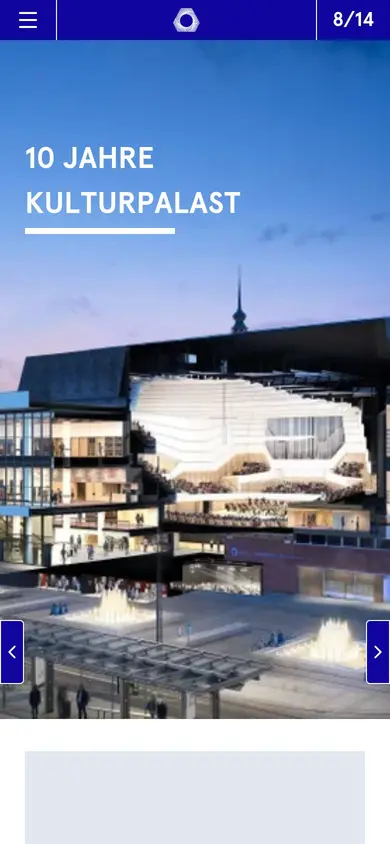
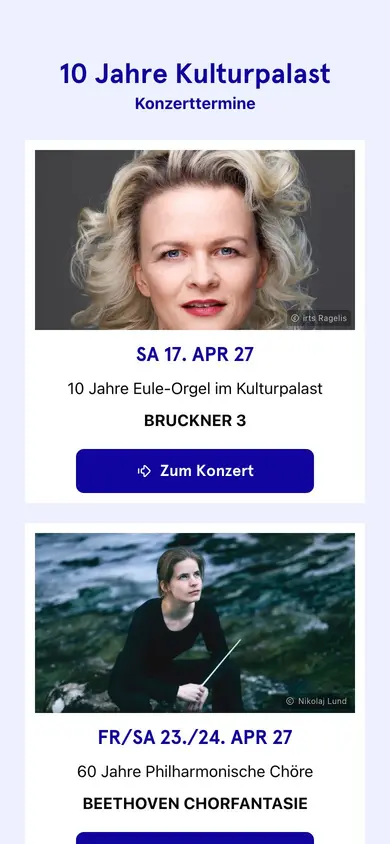
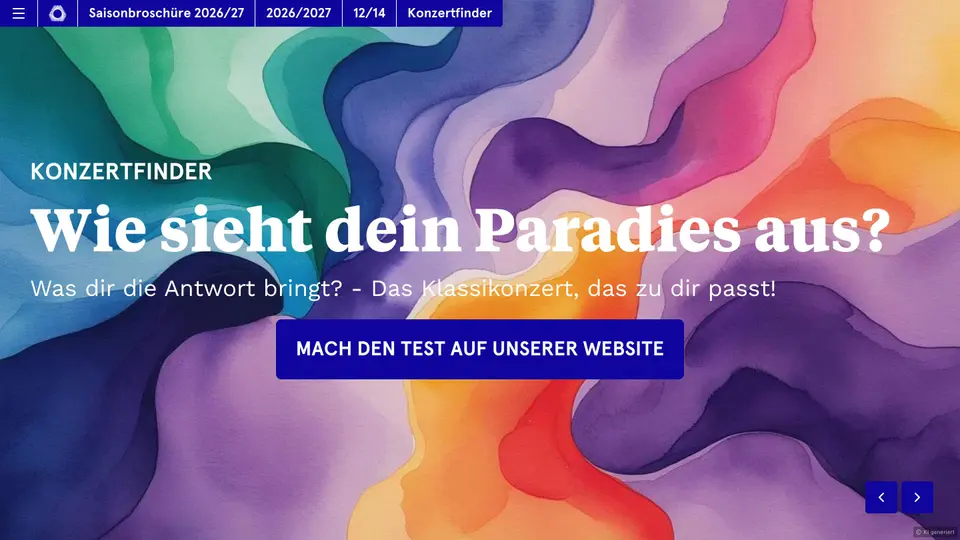
Paradiese, Saison 26/27 at a glance
A look into the current issue: in its own corporate design, readable on every device, with video, galleries and its own URL for every page. Built with Novamag, maintained by the team itself.
More than a PDF: features that win readers over
Season brochure as a digital magazine: the key answers
Straight in the editor, online at once. Subscribers can get a push notification about it.
Yes. Every production gets a ticket button linking into the ticketing system. Clicks appear in tracking.
Audio players, video and galleries run straight on the page, with artist portraits as subpages.
Yes. Nova AI translates content, routes and metadata from one original; every language is its own issue.
Yes. PDF export delivers the print version, and a QR code leads to the digital issue, which is always current.
Through full-text search and through Google: every production is a URL of its own with metadata.
Project styles take over fonts, colours and the logo, and the brochure runs on a subdomain such as season.house.com.
Tracking shows visitors, reading time, device and source per page, plus clicks on tickets, without cookies.
Season brochure goes digital: what’s behind it
What is a digital season brochure?
A season brochure presents the programme of an orchestra, theatre or festival: concerts, artists, subscriptions, dates. As a digital magazine it appears under its own domain, every page with its own URL, audio preview, video and ticket link. The Dresden Philharmonic publishes its season this way.
How does the brochure lead to a ticket?
Every concert is a page with the programme, cast, date and a button to the ticket shop or subscription. Deep links from the newsletter and social media lead straight to the concert. Tracking shows which concerts get read and clicked, and when subscriptions get booked.
How do we embed audio previews and video?
Audio widgets for previews and podcasts with conductors, video for rehearsal glimpses and artist profiles, galleries for hall photos. External platforms like YouTube or Spotify run in line with data protection through the cookie manager, in the house's design.
How does the programme stay current all season?
Changes to the cast, date or hall go live instantly, with no insert or reprint. Push notifications announce extra concerts and remaining tickets. The brochure is maintained from the start of the season to the last concert and stays online as an archive afterwards.
How does the brochure come together from InDesign?
Nova AI reads the InDesign export or the print PDF, recognises concerts, text and images, and resets them in the project styles. The programming team adds audio and video and publishes. The printed version comes together in parallel from the same source through the PDF export.
What does a digital season brochure cost?
Professional from €445 a month with your own domain, languages and Tracking Premium. The print run of the season brochure shrinks to subscribers who want a printed version; mailing costs drop noticeably.
More for education and culture
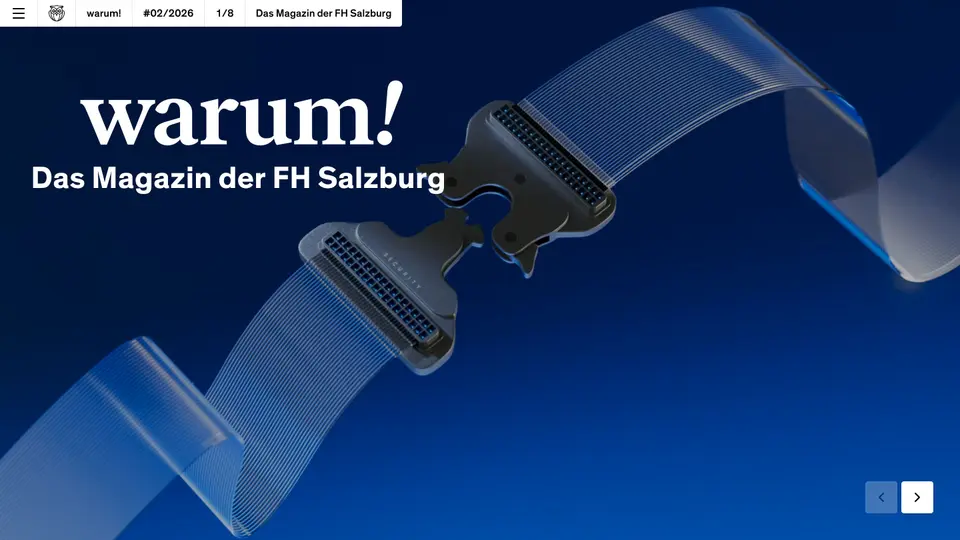 University magazineFrom a printed stakeholder magazine to a bilingual digital magazine for students, research, partners and policymakers.See use case →
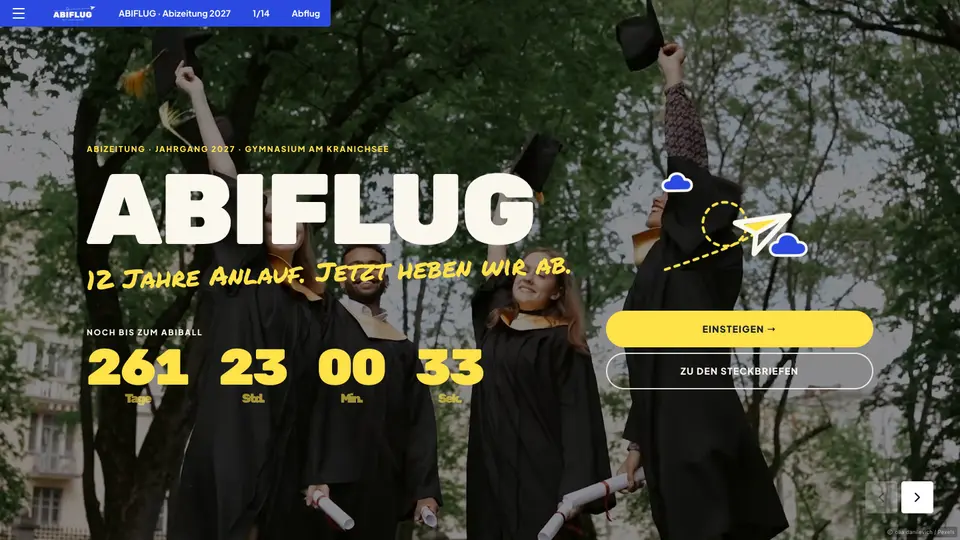 Graduation yearbookProfiles, quotes and rankings of the year group as a digital yearbook, with no printer and no worrying about the print run.See use case →
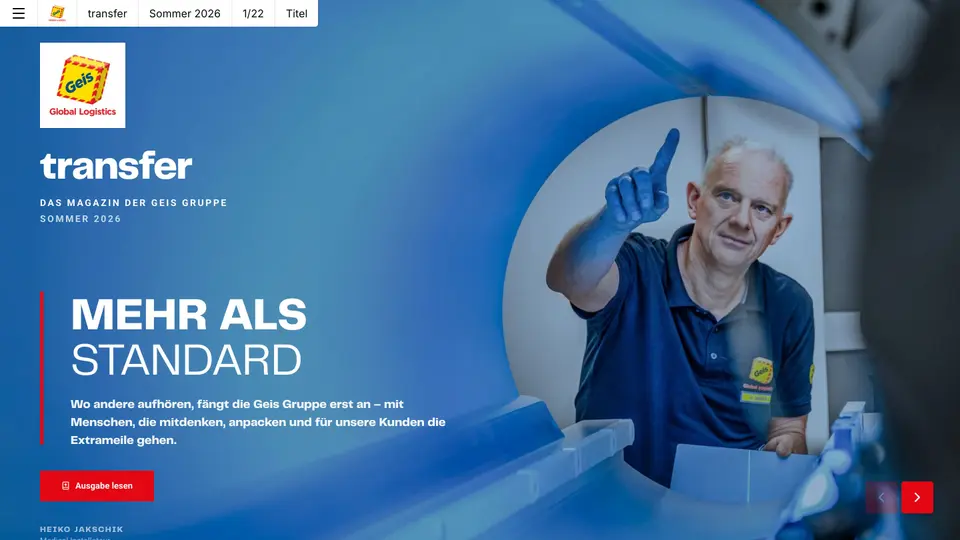 Customer magazineKeep customers close instead of filling inboxes: the customer magazine as a digital magazine that gets read, shared and measured.See use case →
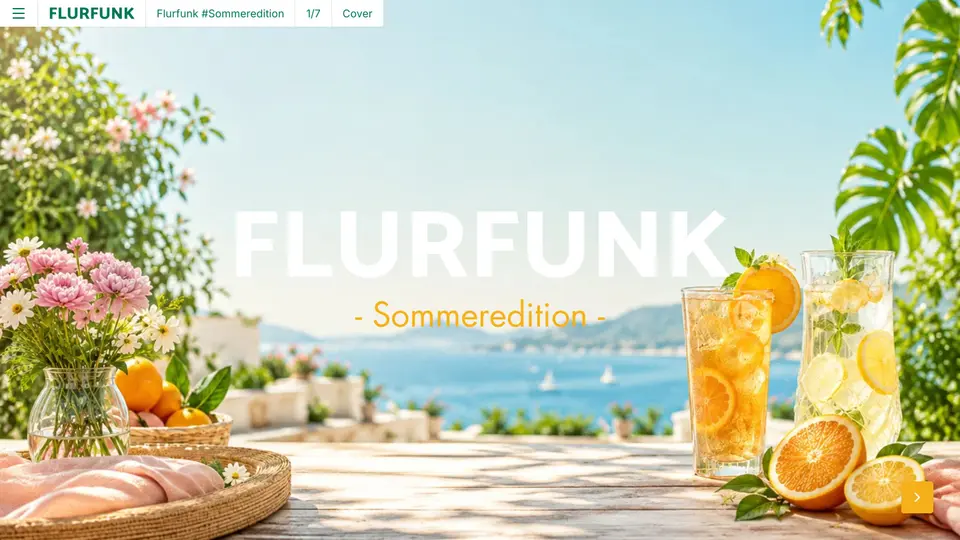 Employee magazineInternal communication that also arrives in production, the warehouse and the field: on a phone, without an intranet login.See use case →
Try a season brochure with your own material
Register for free, upload your material, have Nova AI build the issue. No payment details, no agency.