
Create a digital white paper
Expertise as a guide with chapters, a checklist and a lead form, found on Google instead of hidden in a PDF.
Showcase






Companies, publishers and agencies publish with Novamag
A white paper that gets found and still brings in leads
The classic white paper sits as a PDF behind a form. Google can’t see the content, and readers download it but rarely open it. As a digital magazine, the guide is split into chapters, each with its own URL and indexable. Checklists, graphics and practical examples are easy to read on a phone, and the contact form sits where interest peaks.
Today and with Novamag: the white paper compared
!The challenge
✓The solution with Novamag
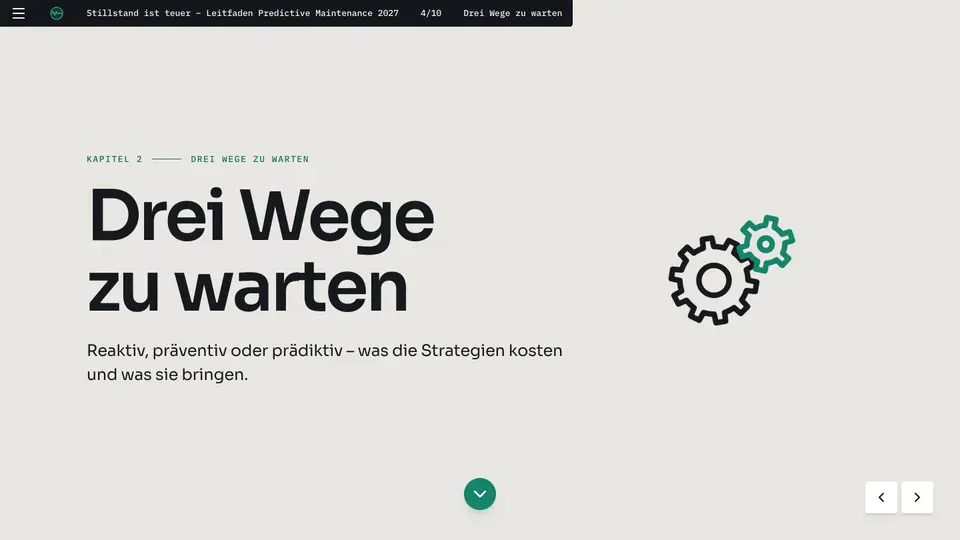
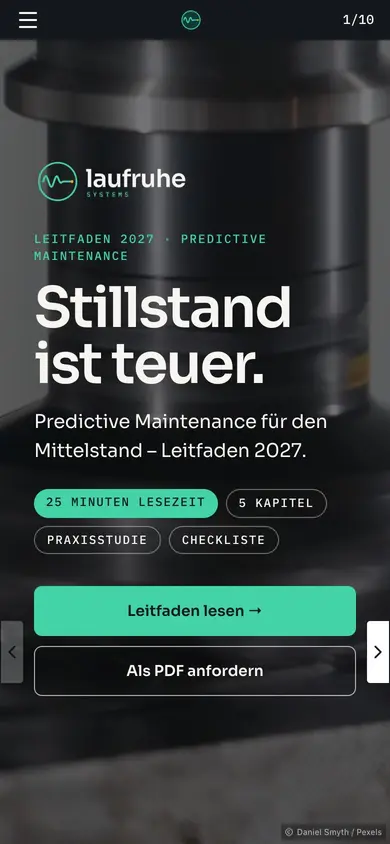
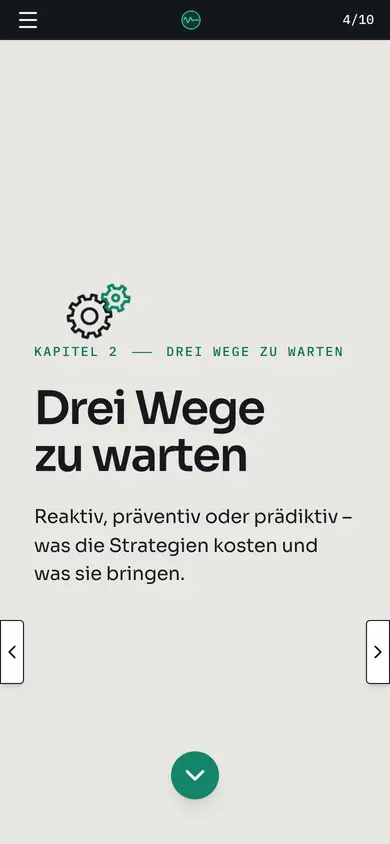
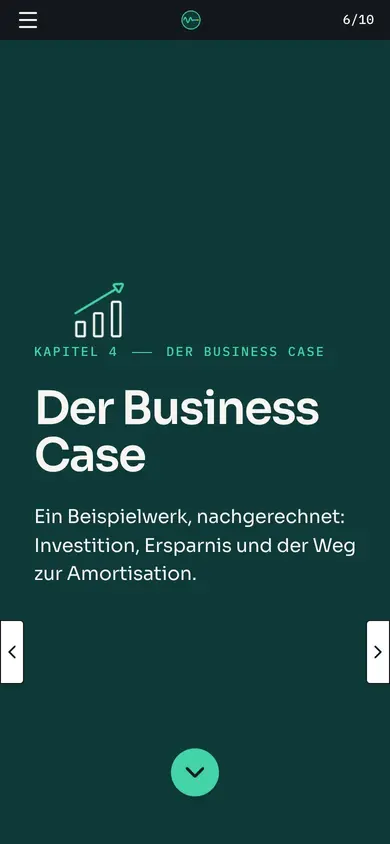
Leitfaden Predictive Maintenance 2027 at a glance
A look into the current issue: in its own corporate design, readable on every device, with video, galleries and its own URL for every page. Built with Novamag, maintained by the team itself.

More than a PDF: features that win readers over
White paper as a digital magazine: the key answers
No. The form widget sits in the guide at the point where readers want more, for example after the business case. Enquiries come from people who already know the content.
Yes. Single pages or the whole issue can be password-protected, say for customers or partners.
Yes. You can export a PDF from the issue, for example to send after a meeting.
Nova AI takes text, graphics and structure from Word files, PDFs or presentations and builds an issue from them in your own corporate identity.
Yes. The guide is ready to use as a template. You take over its structure, chapters and design and fill them with your own content.
White paper goes digital: what’s behind it
What is a digital white paper?
A digital white paper is an expert guide published as a web publication instead of a PDF. It is divided into chapters, each with its own URL, and reads well on phone, tablet and desktop. Graphics, checklists and practical examples are presented interactively. Because the content is openly available on the web, search engines and AI assistants find it and point to the source.
Why a white paper doesn’t belong behind a form
A form in front of the download filters readers before they know whether the content is worth their time. An open white paper earns trust first and asks for contact details afterwards. That produces fewer but far better leads, and the content builds visibility on Google at the same time.
How do I create a white paper with Novamag?
Upload existing texts, studies and graphics to Nova AI and describe the goal, for example a guide with five chapters and a contact form. Nova AI builds the issue in your own corporate identity, and the team reviews it in the editor and publishes it under your own domain.
What content works for a white paper?
Guides, studies, market analyses, field reports and business cases. Content works especially well when it solves a specific problem for the target audience and ends with figures, examples and a clear recommendation.
More for companies
 Customer magazineKeep customers close instead of filling inboxes: the customer magazine as a digital magazine that gets read, shared and measured.See use case →
 Employee magazineInternal communication that also arrives in production, the warehouse and the field: on a phone, without an intranet login.See use case →
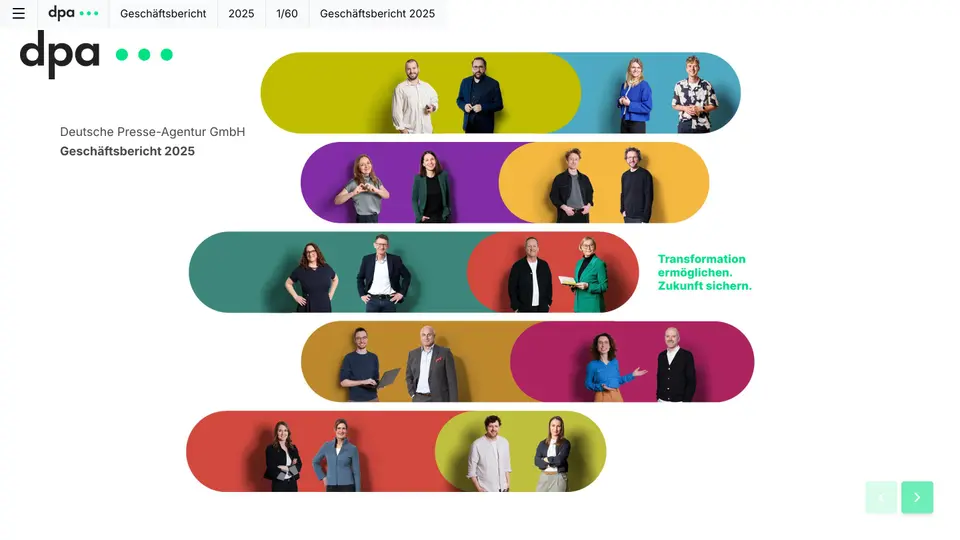 Annual reportLet the figures tell the story: key figures, charts and the interview with the board as a digital magazine, plus a PDF for the files.See use case →
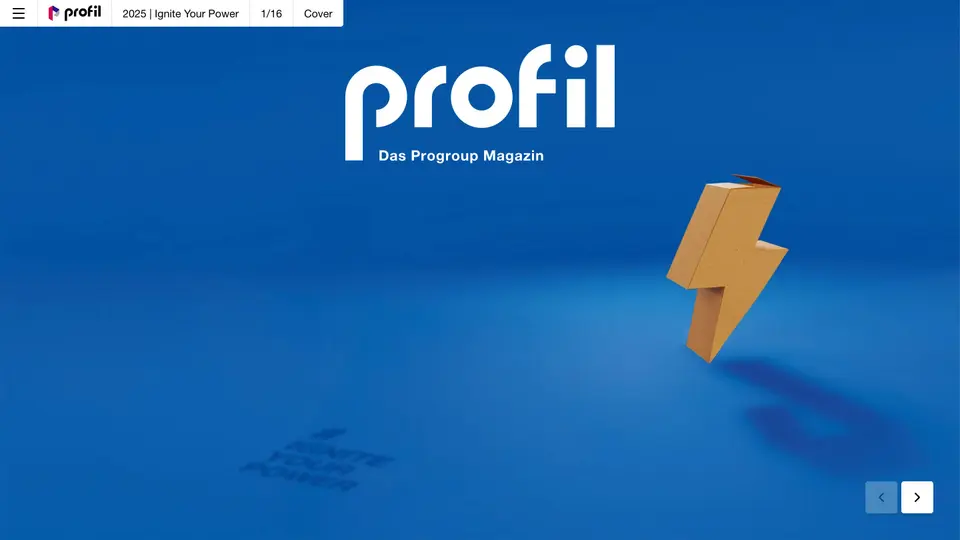 Corporate magazineKey themes, people and insights from the company, told digitally for customers, partners and applicants.See use case →
Try a white paper with your own material
Register for free, upload your material, have Nova AI build the issue. No payment details, no agency.