
Create a digital newsletter
The email stays short, the content gets room: newsletter topics as a digital magazine, linked from the email, with video, galleries and tracking.
Showcase
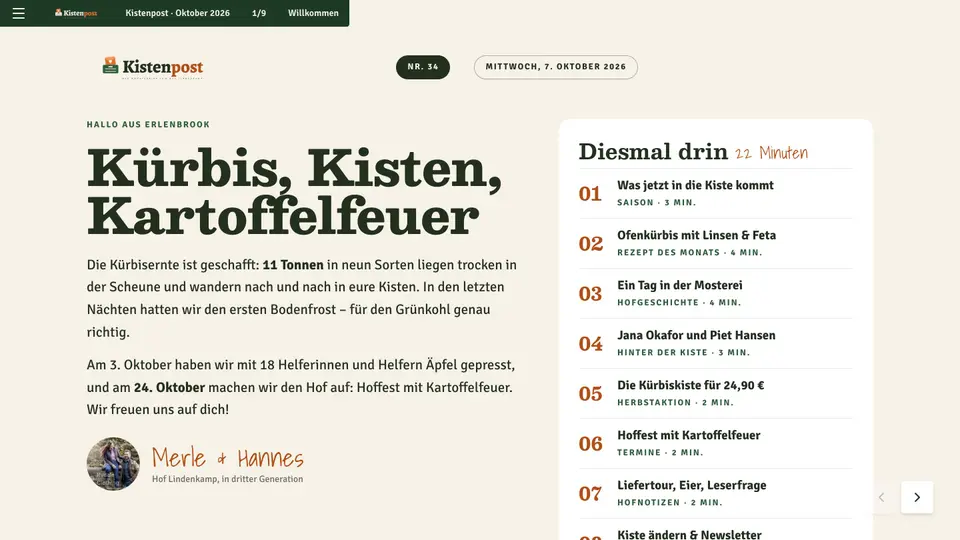
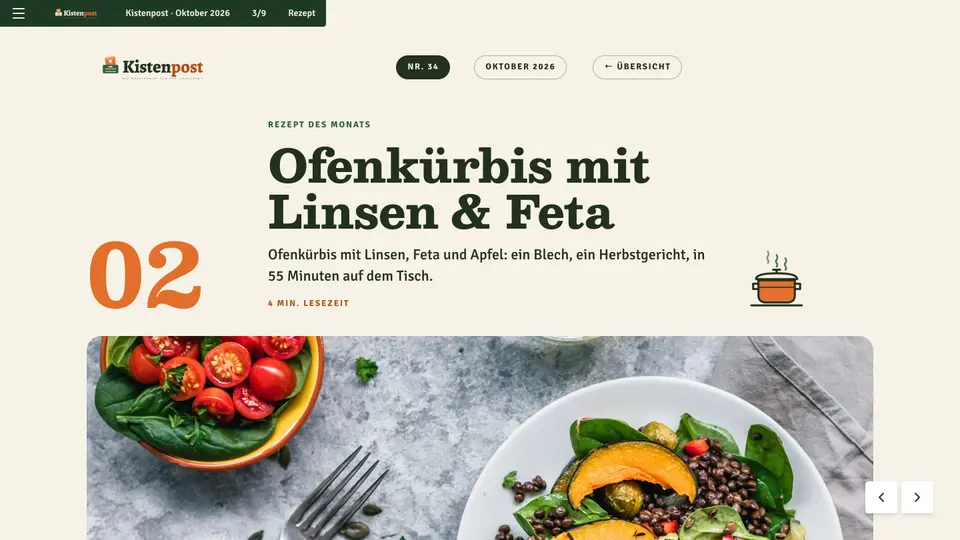
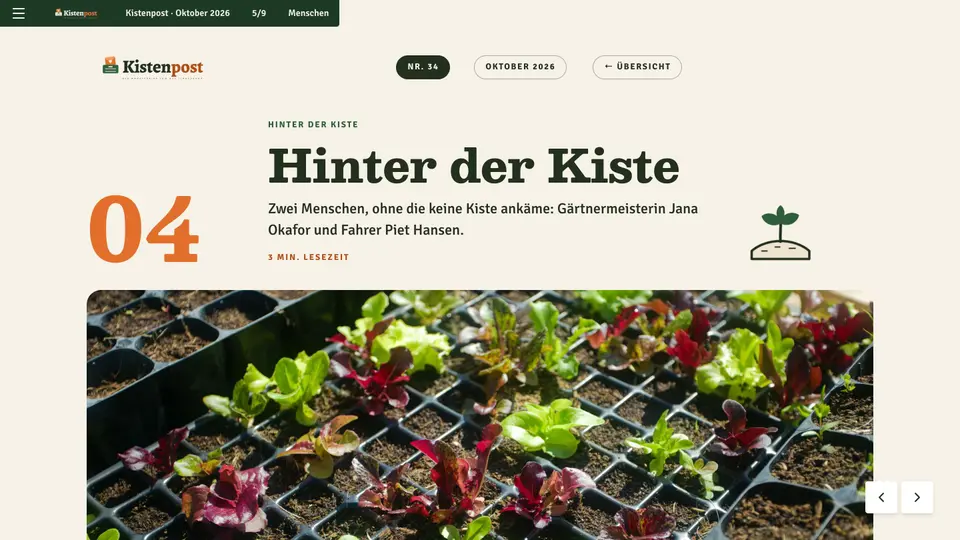
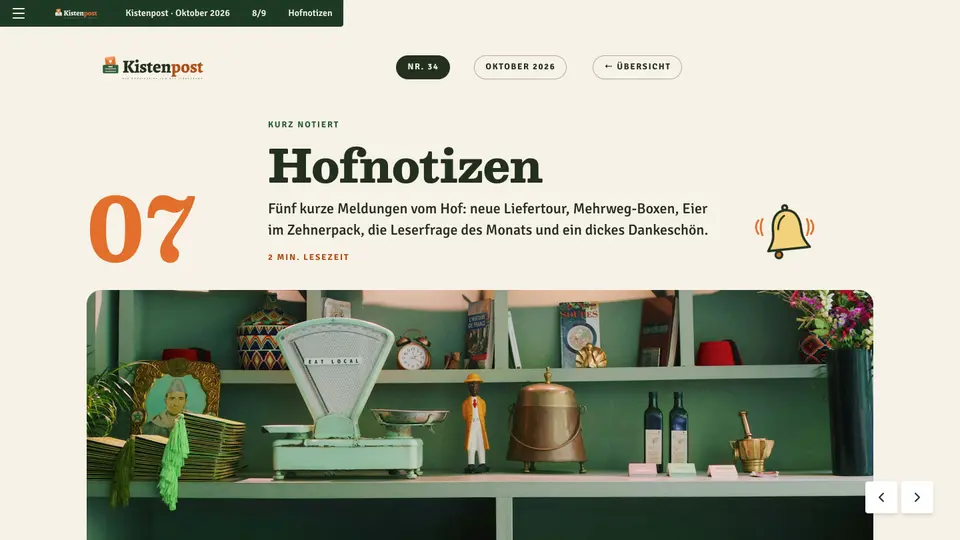
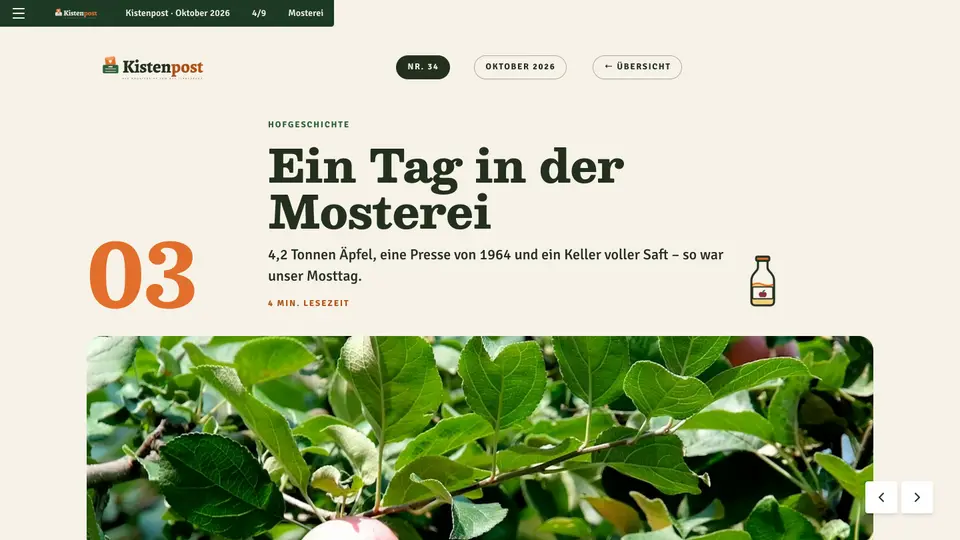
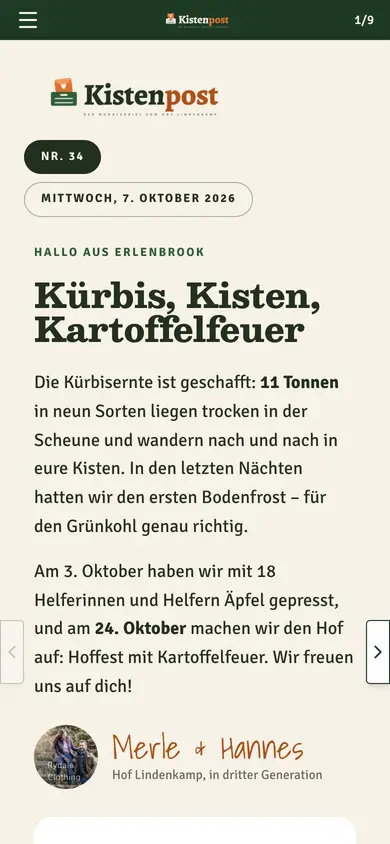
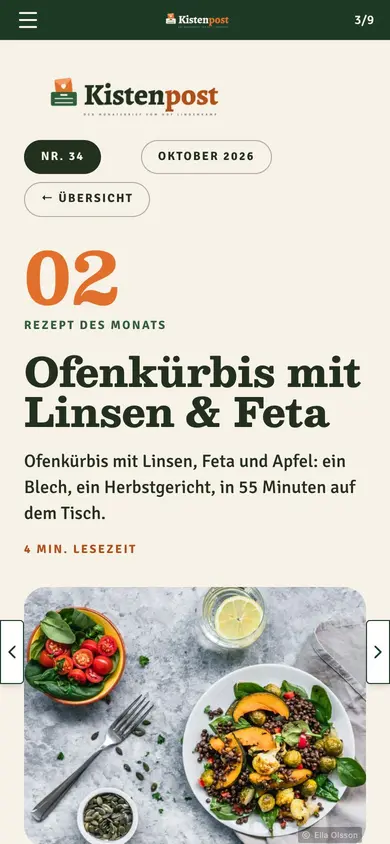
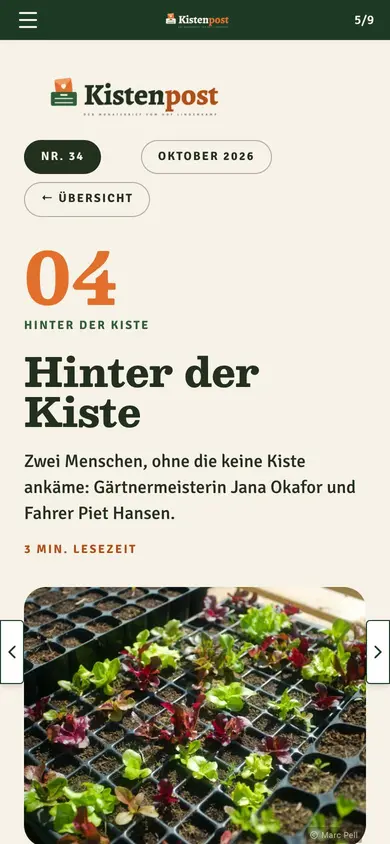
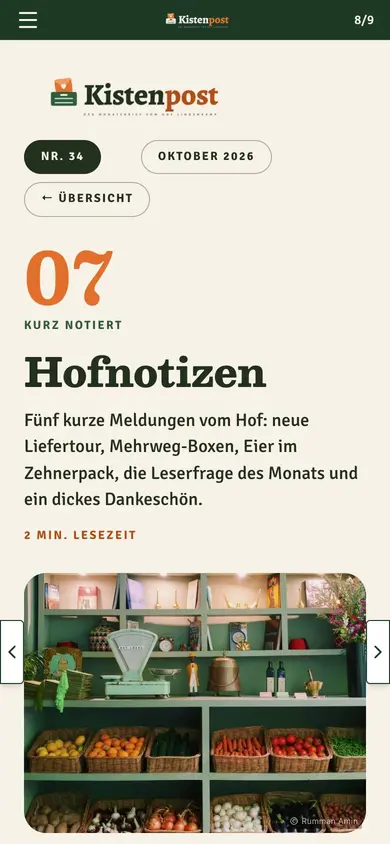
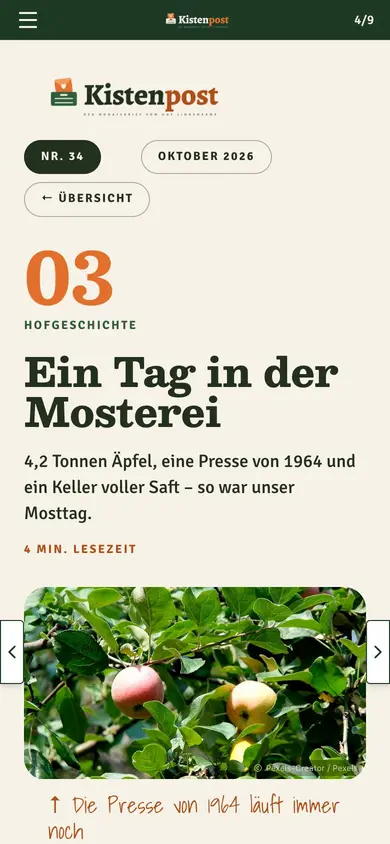
Companies, publishers and agencies publish with Novamag
A newsletter that stays short and still tells a lot
Long newsletters get skimmed and end up in the bin. With Novamag the email stays short: a teaser, an image, a link. The stories themselves sit in the digital magazine, with videos, galleries, recipes or promotions. Every issue has its own URL, gets found outside the inbox too, and shows in tracking which topics get clicked and read.
Today and with Novamag: the newsletter compared
!The challenge
✓The solution with Novamag
Newsletter at a glance
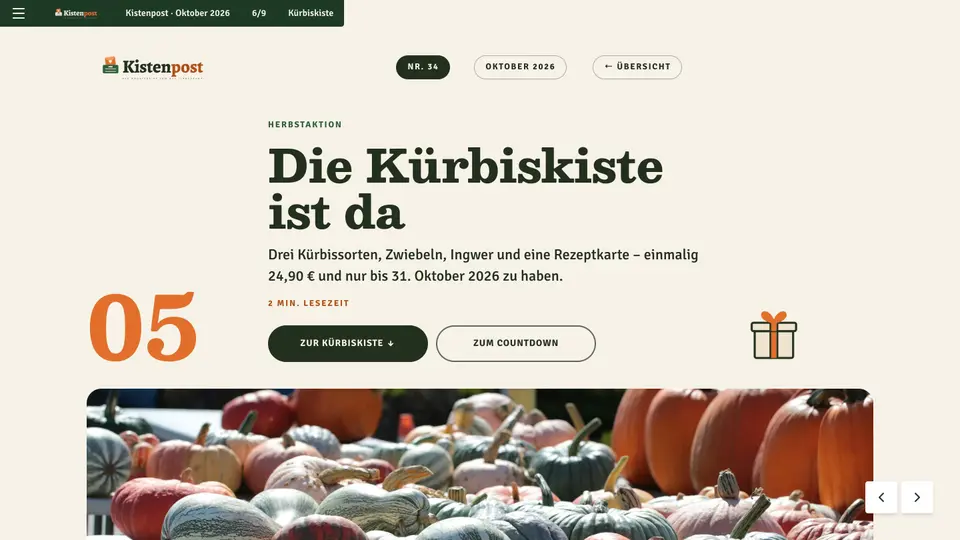
A look into the current issue: in its own corporate design, readable on every device, with video, galleries and its own URL for every page. Built with Novamag, maintained by the team itself.
More than a PDF: features that win readers over
Newsletter as a digital magazine: the key answers
No. Sending still runs through Mailchimp, Brevo, CleverReach, HubSpot or your existing tool. Novamag delivers the content the mail links to.
Every page has a title, description, preview image and its own URL. These details get carried over into the mail as a teaser with a link. For most tools, pasting the URL is enough.
With Nova AI, 30 to 60 minutes: upload the newsletter text, describe it in a sentence, check the result. Then paste the links into the mail and send.
Getting started is free, Starter from €184 a month, Professional from €445. The number of issues and pages doesn't matter.
Yes. Links from the mail get tagged with UTM parameters and appear in tracking as their own source, separate from social media, search or direct visits.
Yes. Every issue is duplicated from the previous one and keeps its structure and styles. For short cycles, an issue with a few pages is enough.
Yes. Every page has its own URL with a title, description and preview image for LinkedIn, Facebook, X, WhatsApp or email. The story opens directly on the shared page.
Yes. Product widgets show image, price and a call to action with a shop link, individually or as a carousel. Every click appears in tracking.
Yes. Nova AI translates content, URL routes and metadata from one original; every language is its own issue with a language switch in the frontend.
Yes. Push notifications tell subscribers about new issues in the browser, in addition to the mail send.
Newsletter goes digital: what’s behind it
What is a digital newsletter with Novamag?
A digital newsletter with Novamag consists of two parts: the email, sent as before through your own mailing tool, and an issue in the digital magazine that every story in the mail links to. The mail stays short and loads fast, while the content behind it is a full web publication with its own URL per page, readable in the house's identity on every device. Unlike a landing page in a CMS, the issue keeps the newsletter's rhythm: one issue per send, one page per topic, an archive of every past issue.
Why isn't email alone enough anymore?
Email clients set tight limits: Gmail clips mails from around 100 kilobytes, Outlook renders layouts differently from Apple Mail, and images often only load after a click. Video, audio, galleries, sliders and forms don't work reliably in any mail client. Anyone who wants to deliver content with depth needs a destination for the click. A digital magazine provides that destination in your own identity and without the limits of the inbox.
How does the process from newsletter to digital magazine work?
The editorial team writes the newsletter as usual. Nova AI reads the text or the Word document and builds an issue from it with one page per topic, in the house's project styles. The team adds video, a gallery or a product widget and publishes. The heading, preview image and link for each page are then carried over into the mail; every page supplies title, description and image as metadata for that. Sending still runs through Mailchimp, Brevo, CleverReach, HubSpot or your existing tool.
What can the digital magazine show that the mail can't?
Videos and podcasts right on the page, image galleries and sliders, animated key figures, interactive maps, product widgets with price and shop link, downloads, surveys and forms. Stories can be as long as the topic demands and can be structured with subpages, for instance an interview with video, text and an image series. Multilingual sends get their own issue per language, with a language switch.
How is the success of a newsletter with a digital magazine measured?
Open rates have carried little weight since Apple Mail Privacy Protection, because mails count as opened automatically. The click into the issue is the reliable metric. Novamag's tracking shows visitors, time on page, bounce rate, device and source for every story; links from the mail can be tagged with UTM parameters and evaluated as a campaign. Tracking runs without cookies and without personal data, so no consent banner is needed. That makes it visible which topic got read and which was only skimmed.
What's the advantage of a newsletter archive as a digital magazine?
A mail is over once it's sent; the digital magazine stays. Every issue and every page keeps its URL, gets indexed by Google, and can appear as a source in AI answers. New subscribers find older topics in the kiosk, sales shares single stories by link, and social media posts link to the page instead of an email preview. The fleeting newsletter becomes a growing content channel that brings traffic for months.
More for companies
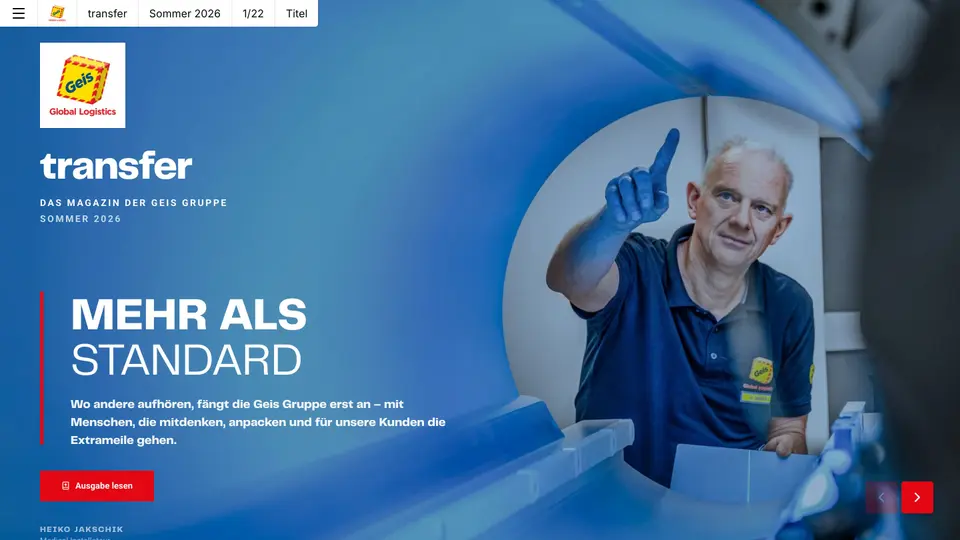 Customer magazineKeep customers close instead of filling inboxes: the customer magazine as a digital magazine that gets read, shared and measured.See use case →
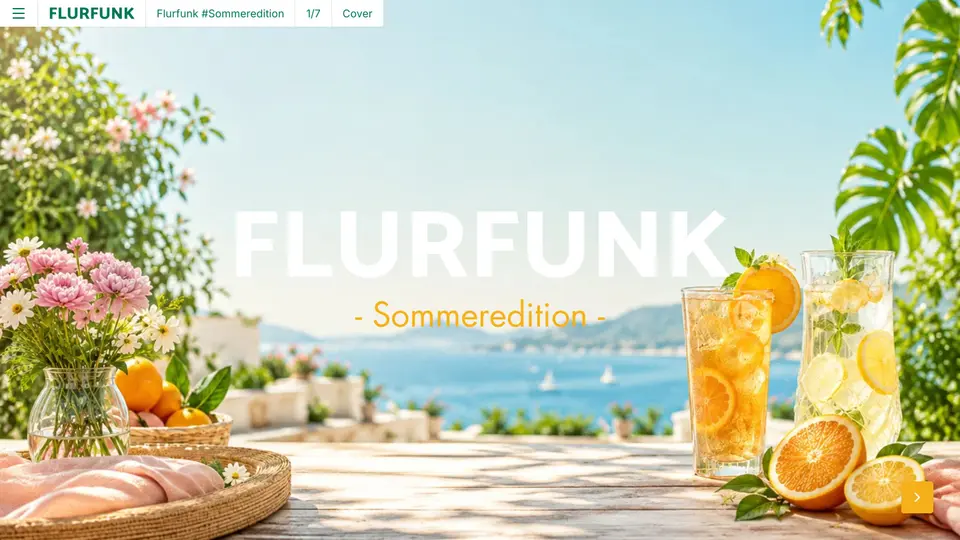 Employee magazineInternal communication that also arrives in production, the warehouse and the field: on a phone, without an intranet login.See use case →
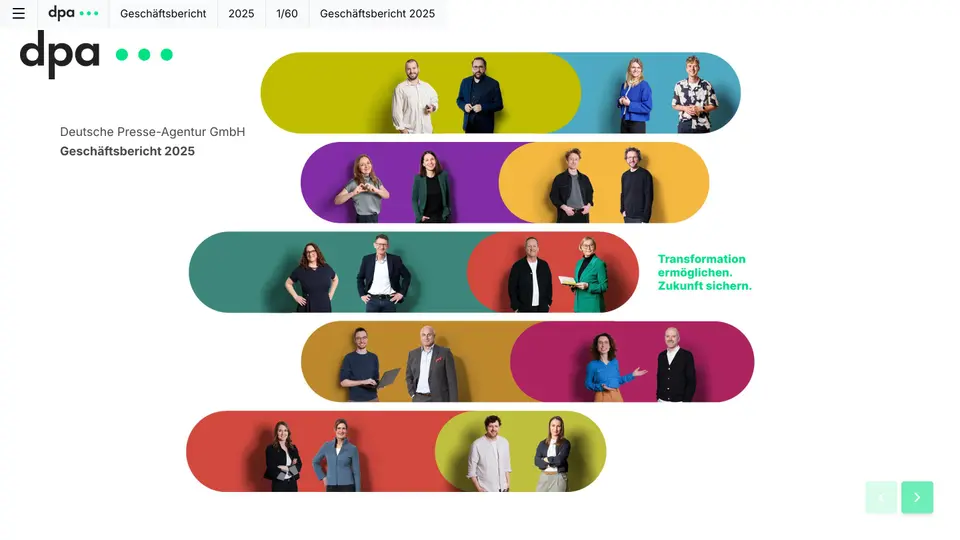 Annual reportLet the figures tell the story: key figures, charts and the interview with the board as a digital magazine, plus a PDF for the files.See use case →
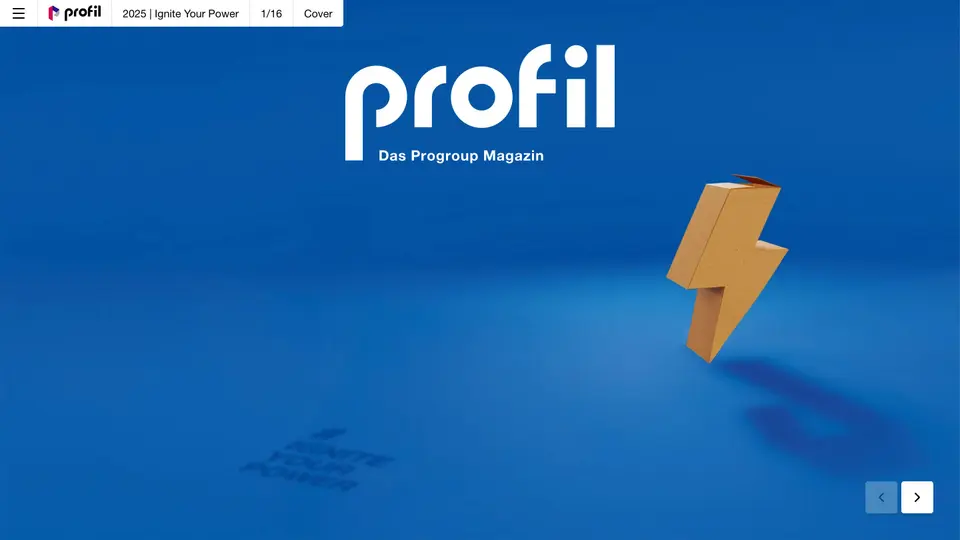 Corporate magazineKey themes, people and insights from the company, told digitally for customers, partners and applicants.See use case →
Try a newsletter with your own material
Register for free, upload your material, have Nova AI build the issue. No payment details, no agency.