
Create a digital lookbook
Collections in full screen, with video, materials and fit. For fashion labels, interior and lifestyle brands.
Showcase
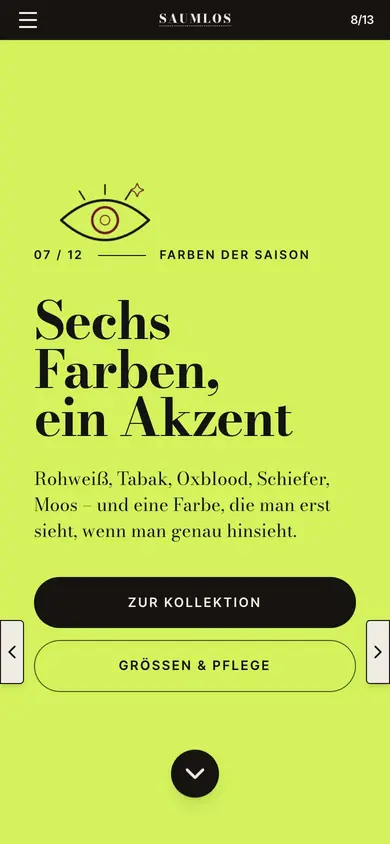
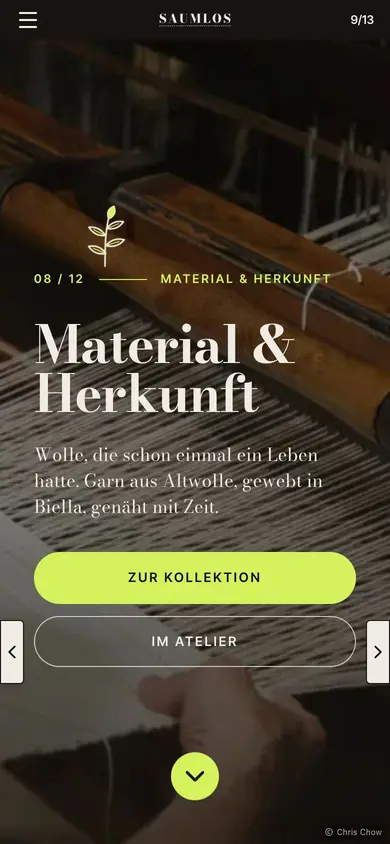
Companies, publishers and agencies publish with Novamag
A lookbook that shows collections at full size
Fashion, interiors and lifestyle sell through images. The digital lookbook shows the collection in full screen, with video, close-ups, material details and fit. Every line or theme gets a page of its own that retailers, press and customers receive by link. New seasons start from the last issue, and links into the shop lead straight to the product.
Today and with Novamag: the lookbook compared
!The challenge
✓The solution with Novamag
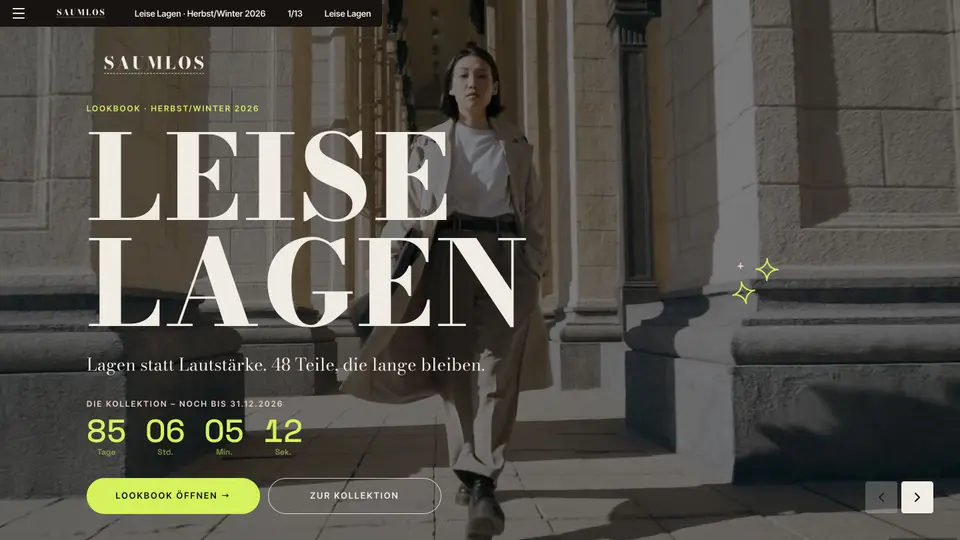
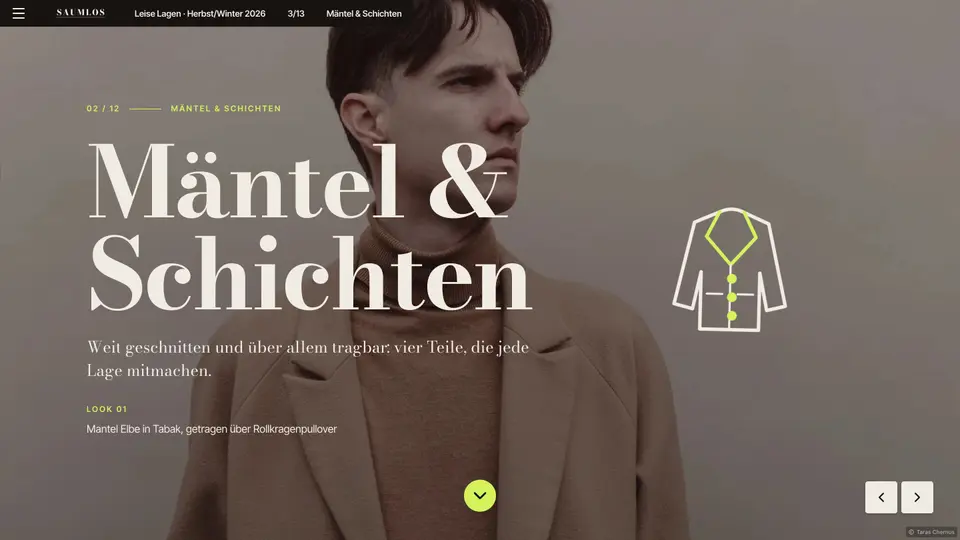
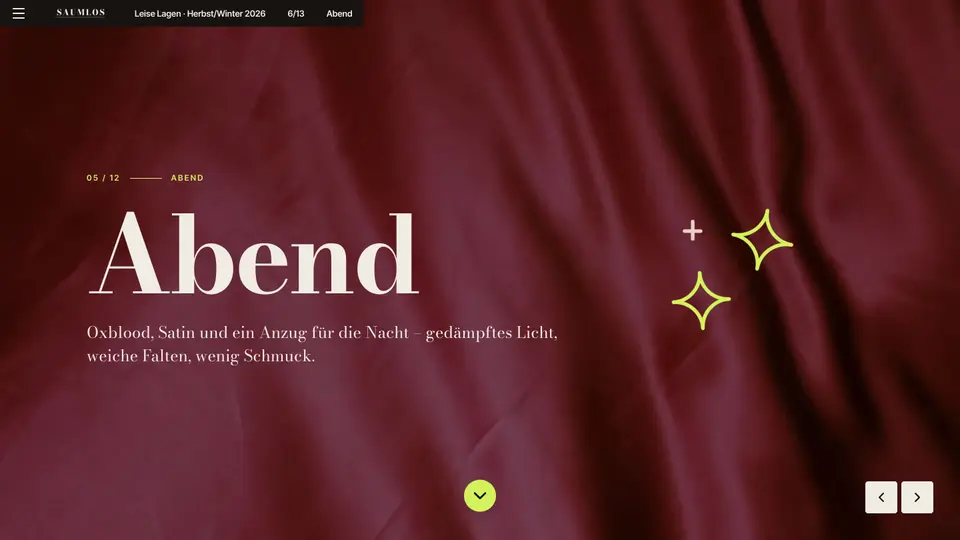
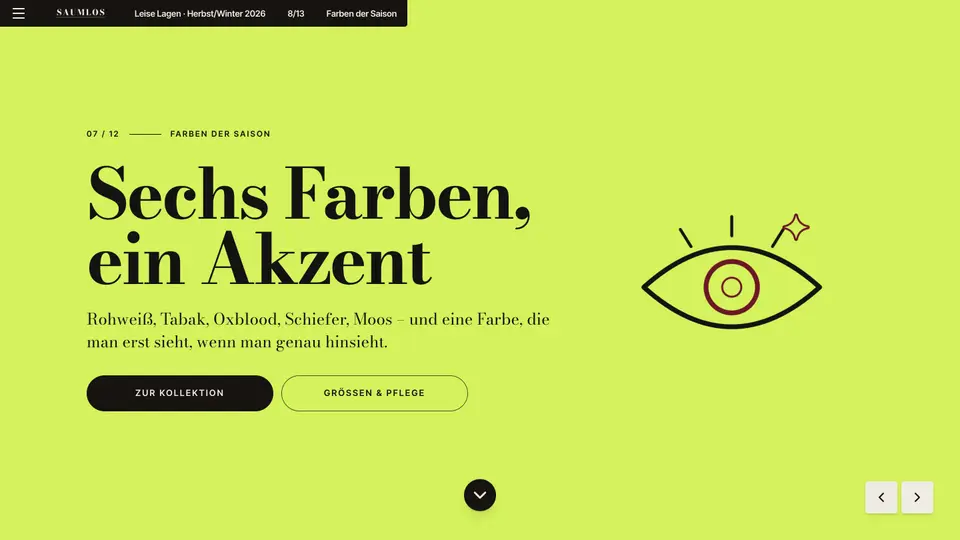
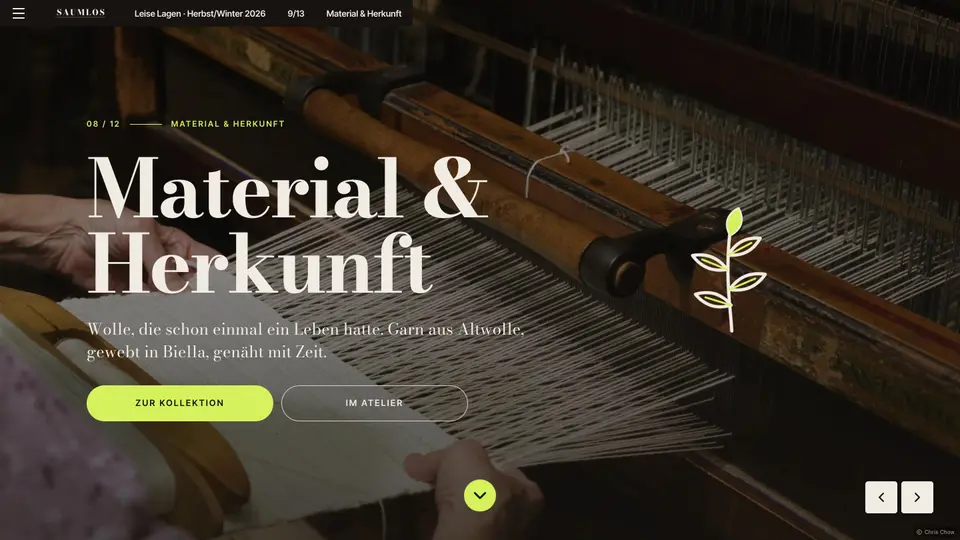
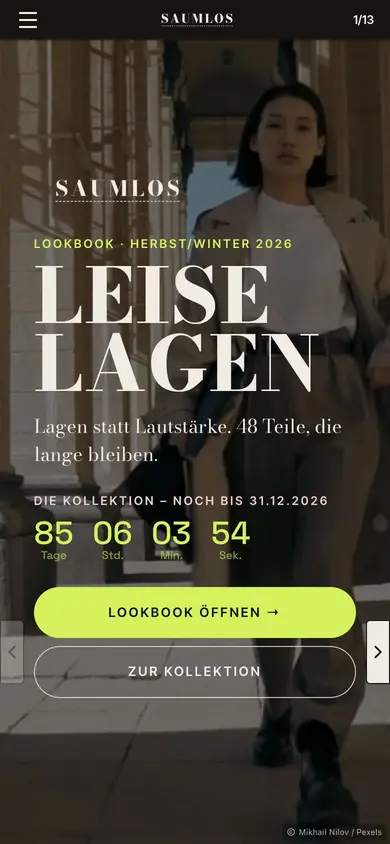
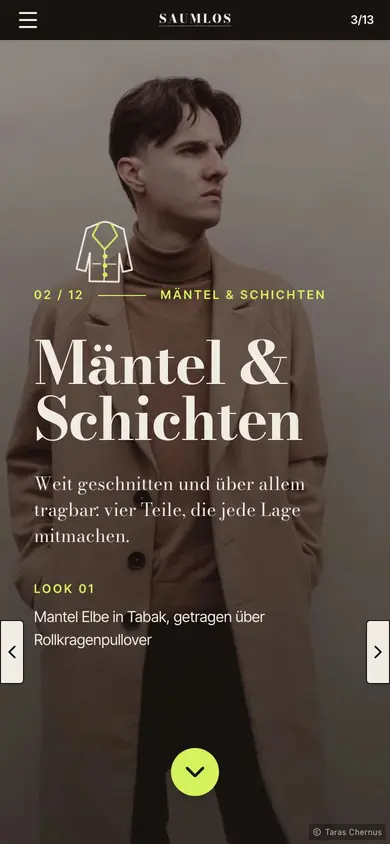
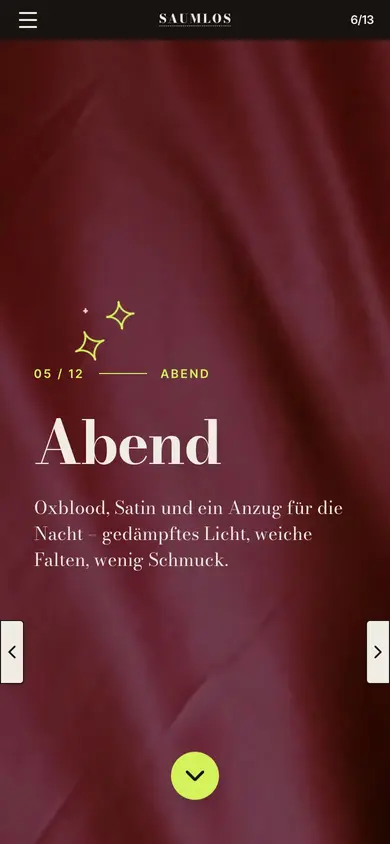
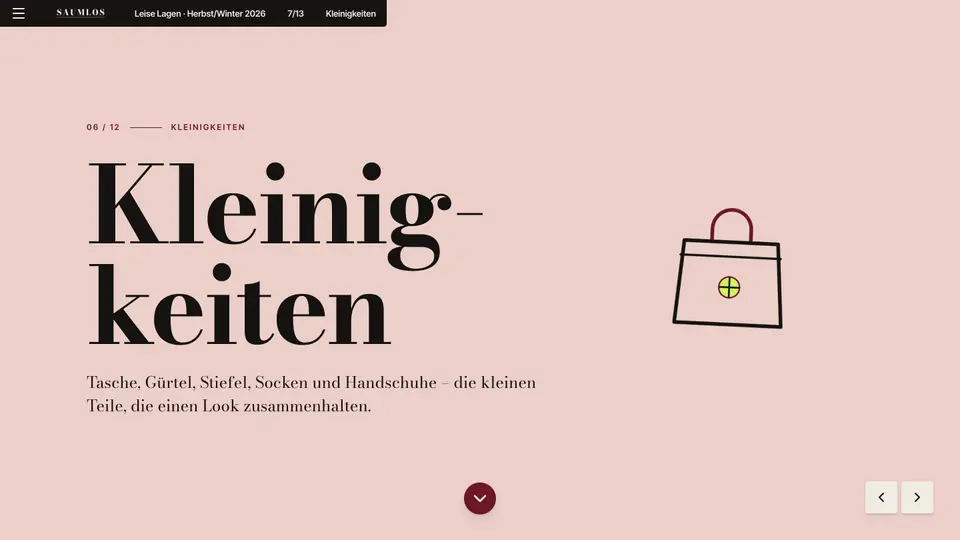
Leise Lagen · Herbst/Winter 2026 at a glance
A look into the current issue: in its own corporate design, readable on every device, with video, galleries and its own URL for every page. Built with Novamag, maintained by the team itself.
More than a PDF: features that win readers over
Lookbook as a digital magazine: the key answers
For fashion labels, jewellery, interior and lifestyle brands, furniture makers and boutiques.
Yes. Product widgets and links take readers from the lookbook into the online shop.
Yes. A password protects the issue, for instance for the order round with wholesale prices.
Very little. The issue is duplicated, and images and text are swapped.
Yes. The “Leise Lagen” lookbook is ready as a template, with the collection, evening looks, colours and materials.
Lookbook goes digital: what’s behind it
What is a digital lookbook?
A digital lookbook presents a collection as a web publication. It shows looks and products in large images and videos, along with materials, fit and the stories behind the collection. Unlike a catalogue, it focuses on staging; unlike a PDF, it is fast on every device and connects directly to the shop.
What belongs in a lookbook?
An introduction to the idea behind the season, themed series with the looks, close-ups, colours and materials, information on origin and production, and links to the products or to retailer enquiries.
How do brands use a lookbook in sales?
Buyers get a link ahead of the order round, editors pick images for fashion spreads, and customers discover the collection via newsletters and social media. Tracking shows which looks are most in demand.
How do I create a lookbook with Novamag?
Upload campaign images, product copy and videos to Nova AI and describe the collection. Nova AI builds an issue in your brand’s design, and the team connects products to the shop and publishes.
More for companies
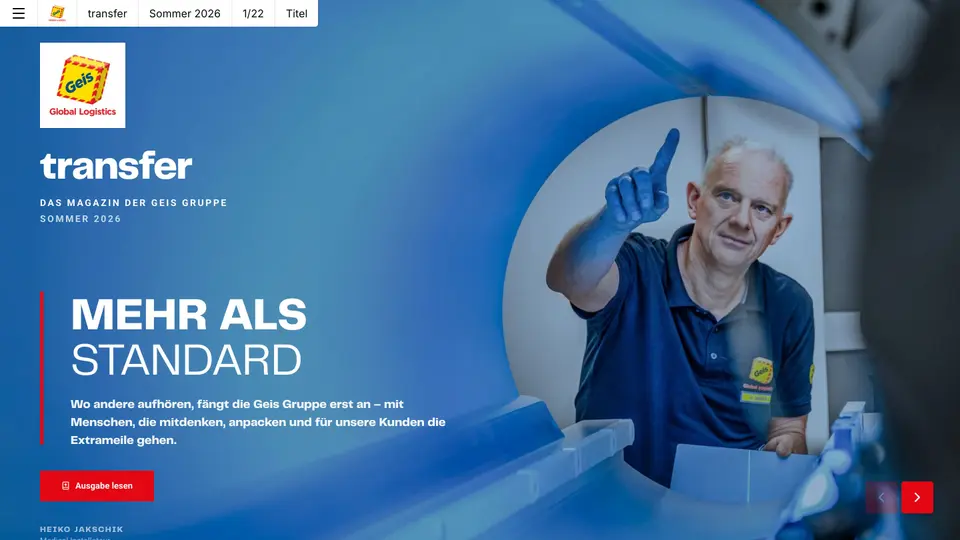 Customer magazineKeep customers close instead of filling inboxes: the customer magazine as a digital magazine that gets read, shared and measured.See use case →
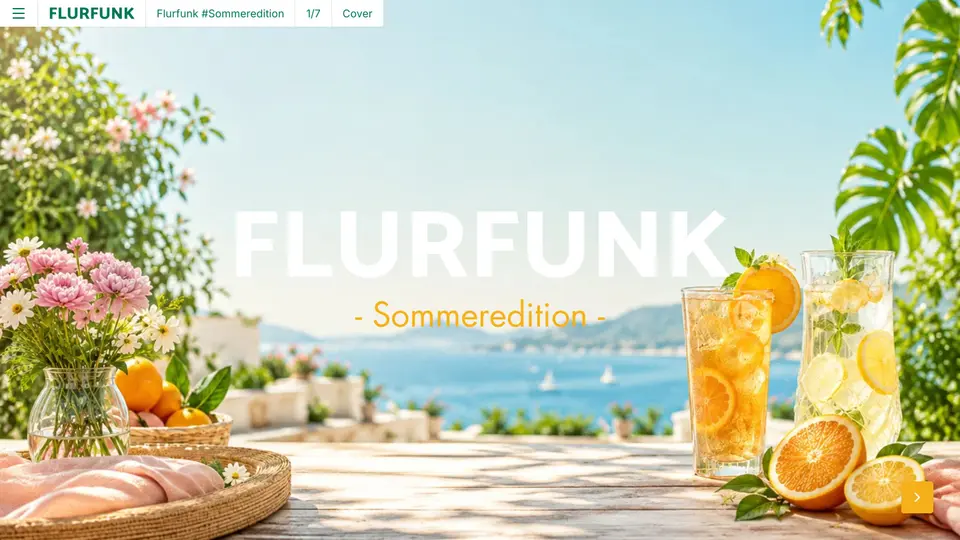 Employee magazineInternal communication that also arrives in production, the warehouse and the field: on a phone, without an intranet login.See use case →
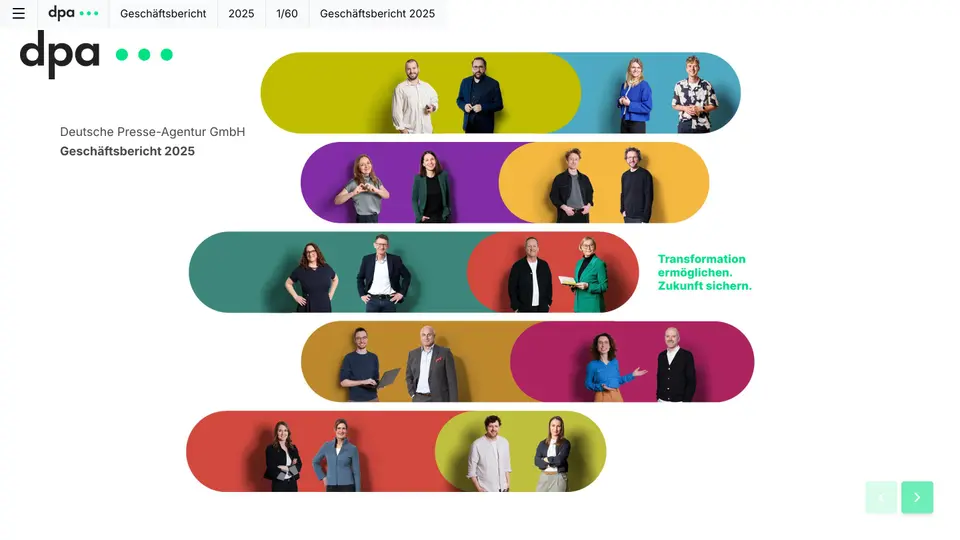 Annual reportLet the figures tell the story: key figures, charts and the interview with the board as a digital magazine, plus a PDF for the files.See use case →
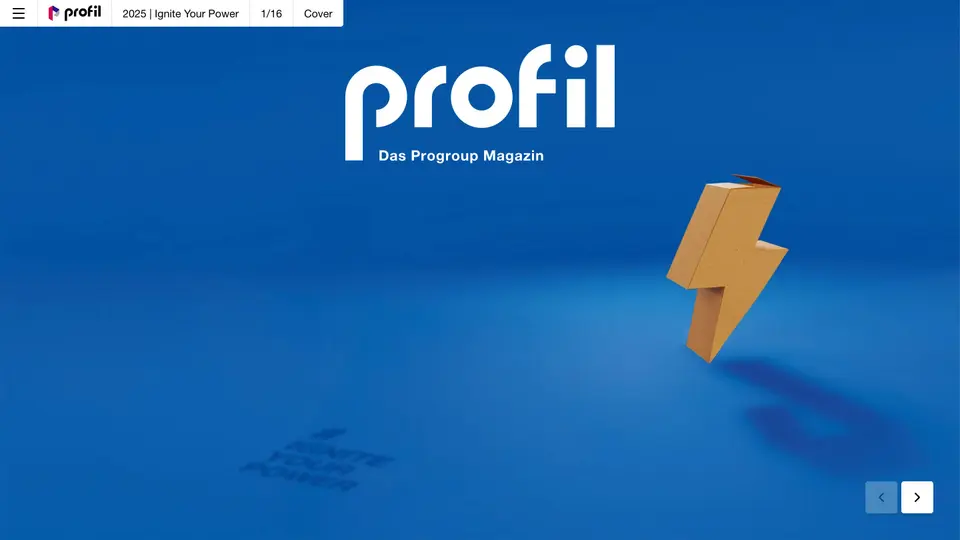 Corporate magazineKey themes, people and insights from the company, told digitally for customers, partners and applicants.See use case →
Try a lookbook with your own material
Register for free, upload your material, have Nova AI build the issue. No payment details, no agency.